<span data-metadata=""><span data-buffer="">Visits by appointment
<span data-metadata=""><span data-buffer="">Shipping
<span data-metadata=""><span data-buffer="">Freaksite
btw-vrij product
There is no VAT in the amount. This is a so-called tax margin product. So there is no VAT to be taken out of the product. There is also no VAT on top of the amount.
This is a VAT product. The amount is inclusive of VAT. Businesses outside the Netherlands and individuals and entrepreneurs outside the EU can purchase without VAT. Please contact us for this.
Nice that you want to drop by. Continue with the ordering process, here you can later choose pickup or shipping. When picking up, we will contact you so we can schedule the shoptour. We like to make it a fun visit. See you then!
Products likely on a pallet? Submit your request here .
Are you an entrepreneur outside the Netherlands? Then VAT reverse charge is only possible with a VAT number registered outside the Netherlands. Please feel free to message us with any questions or comments!
Do you live outside the EU? Then buying without VAT is only possible if both the billing address and the shipping address are outside the EU. Please feel free to message us with any questions or comments!

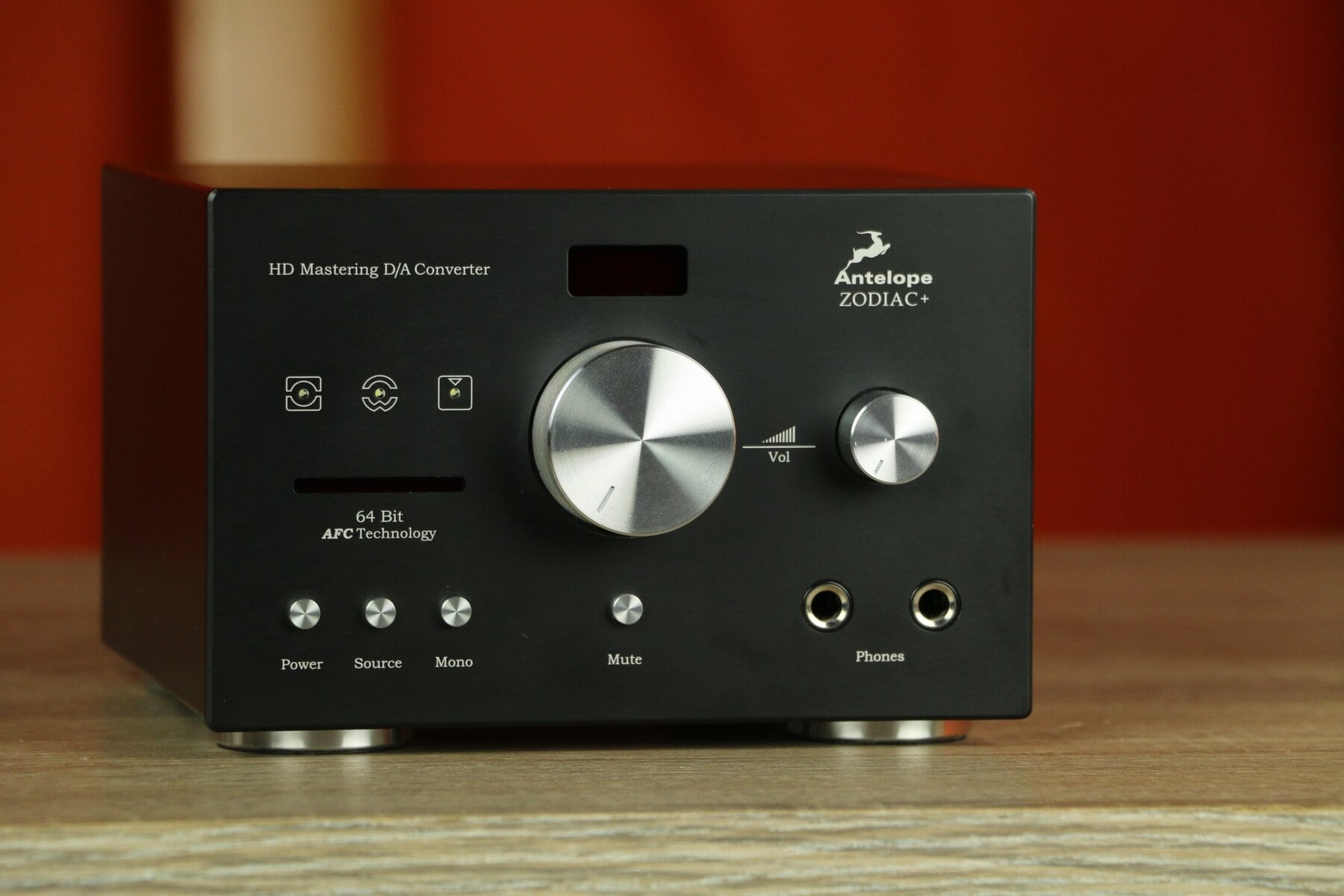
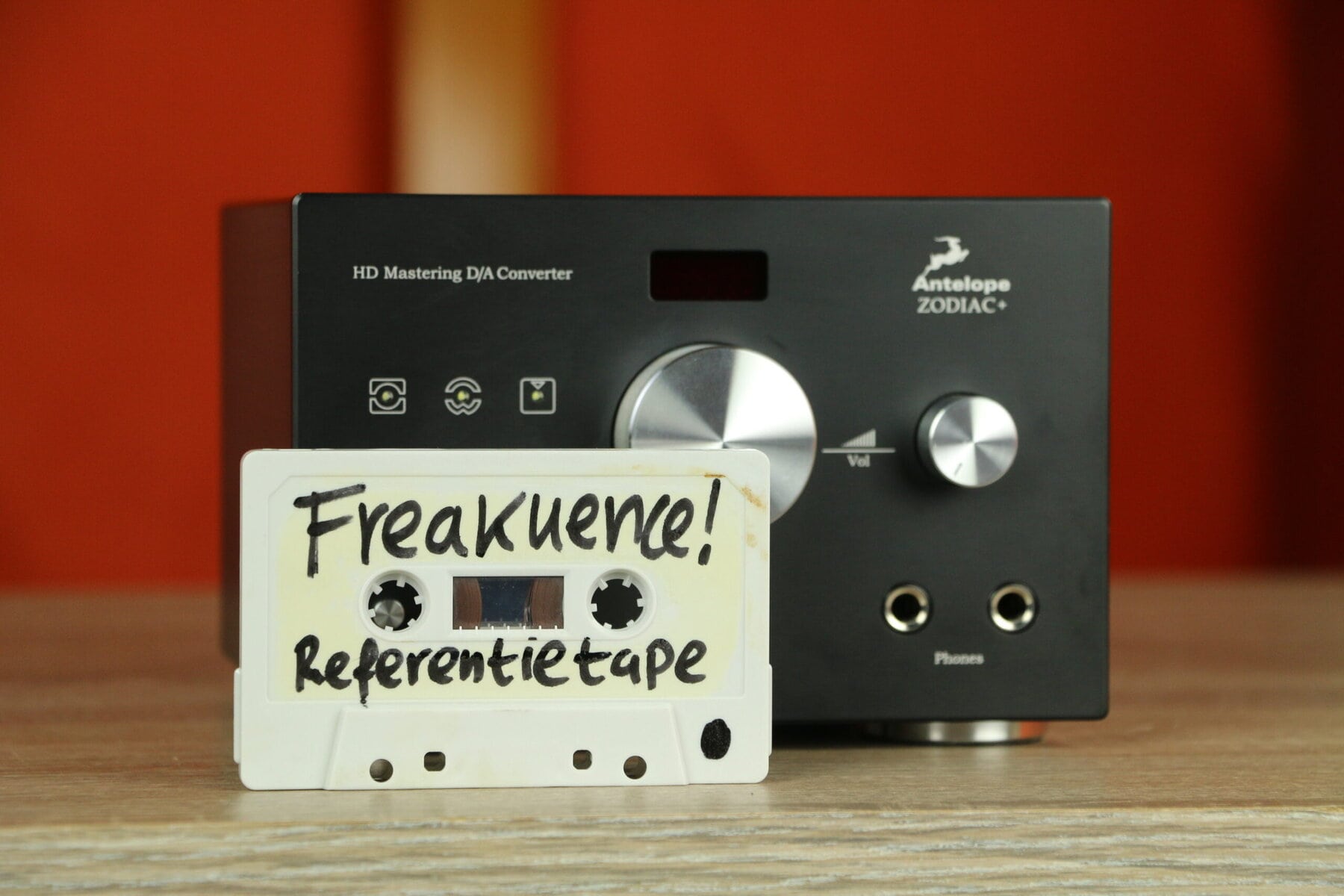
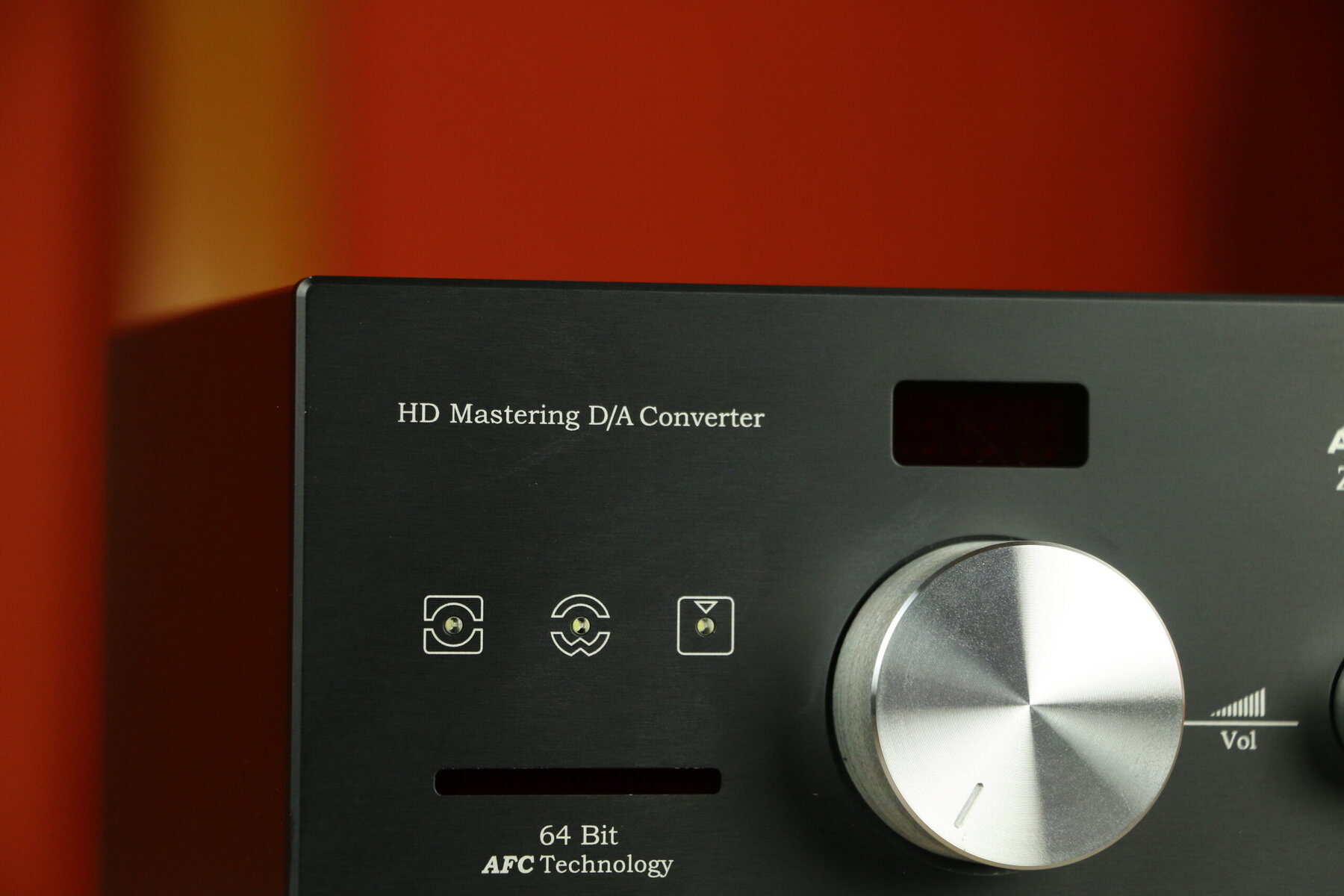
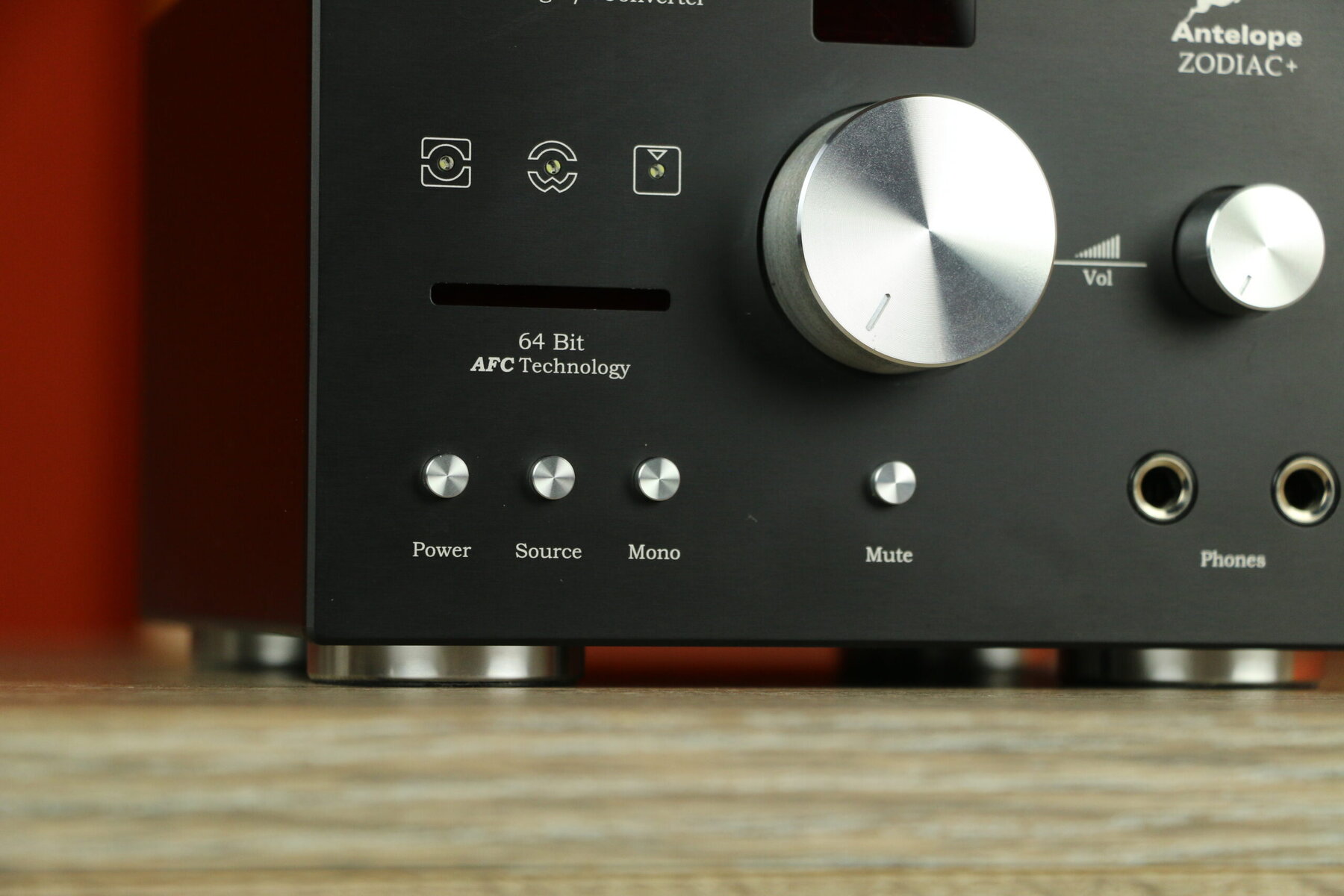
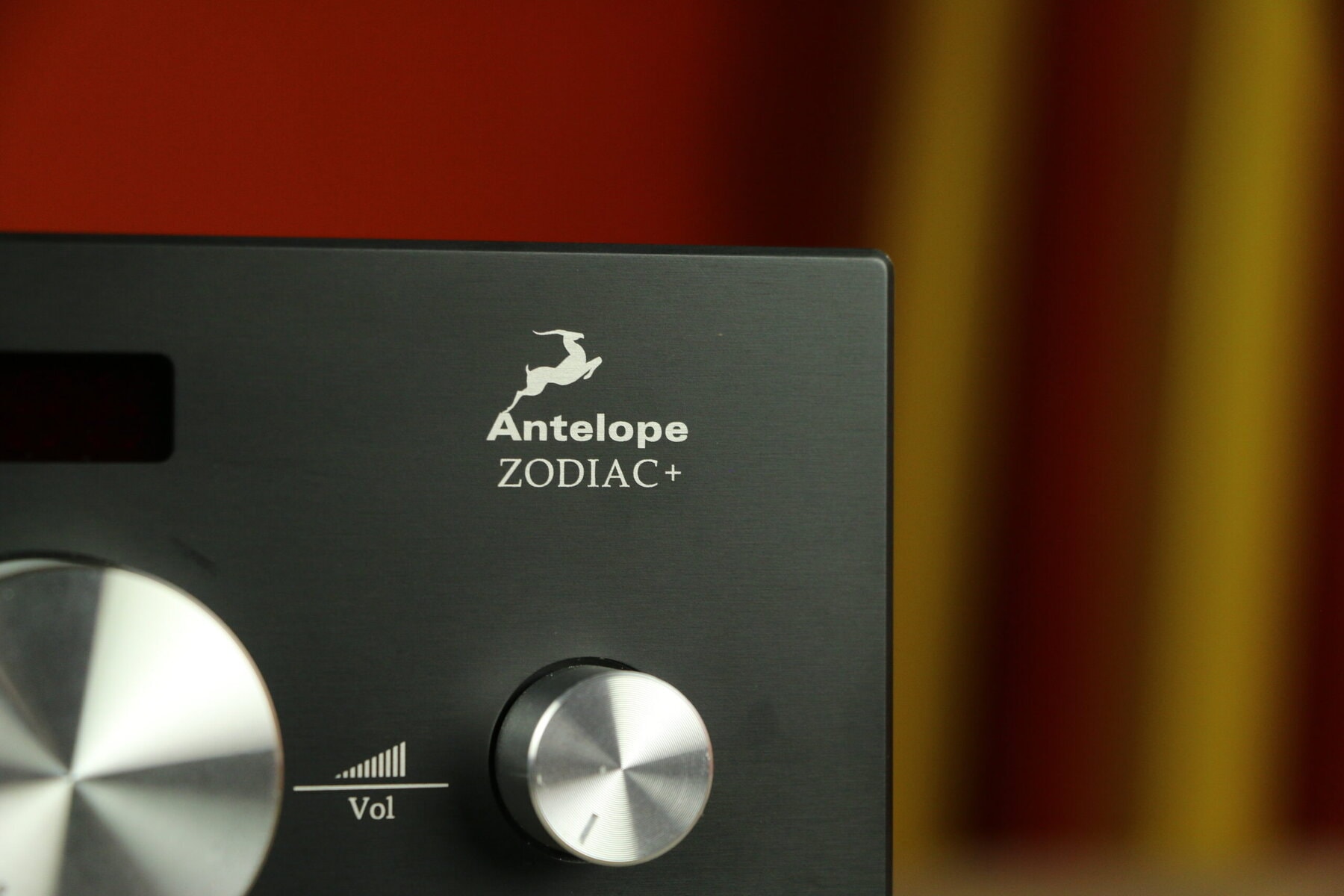
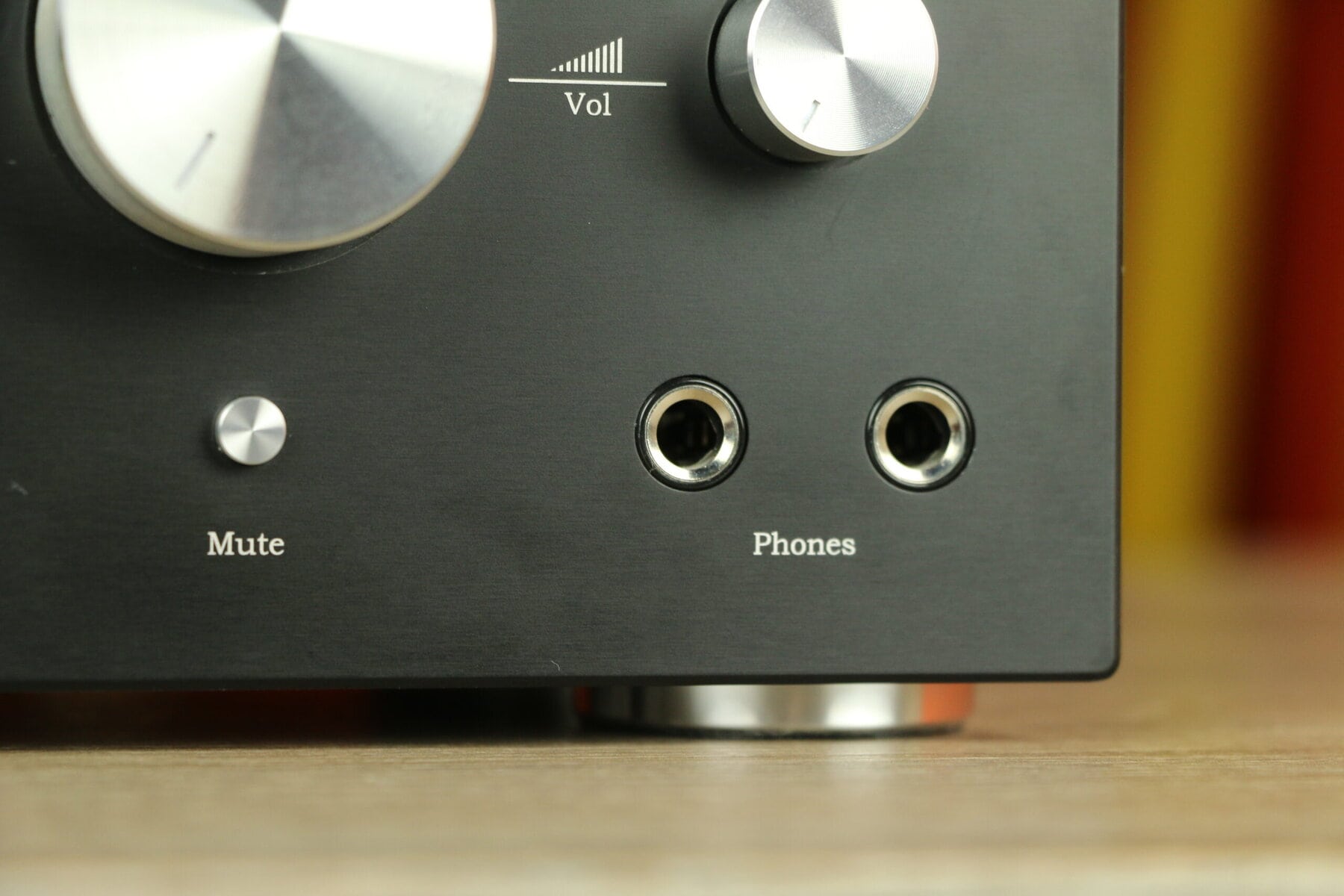
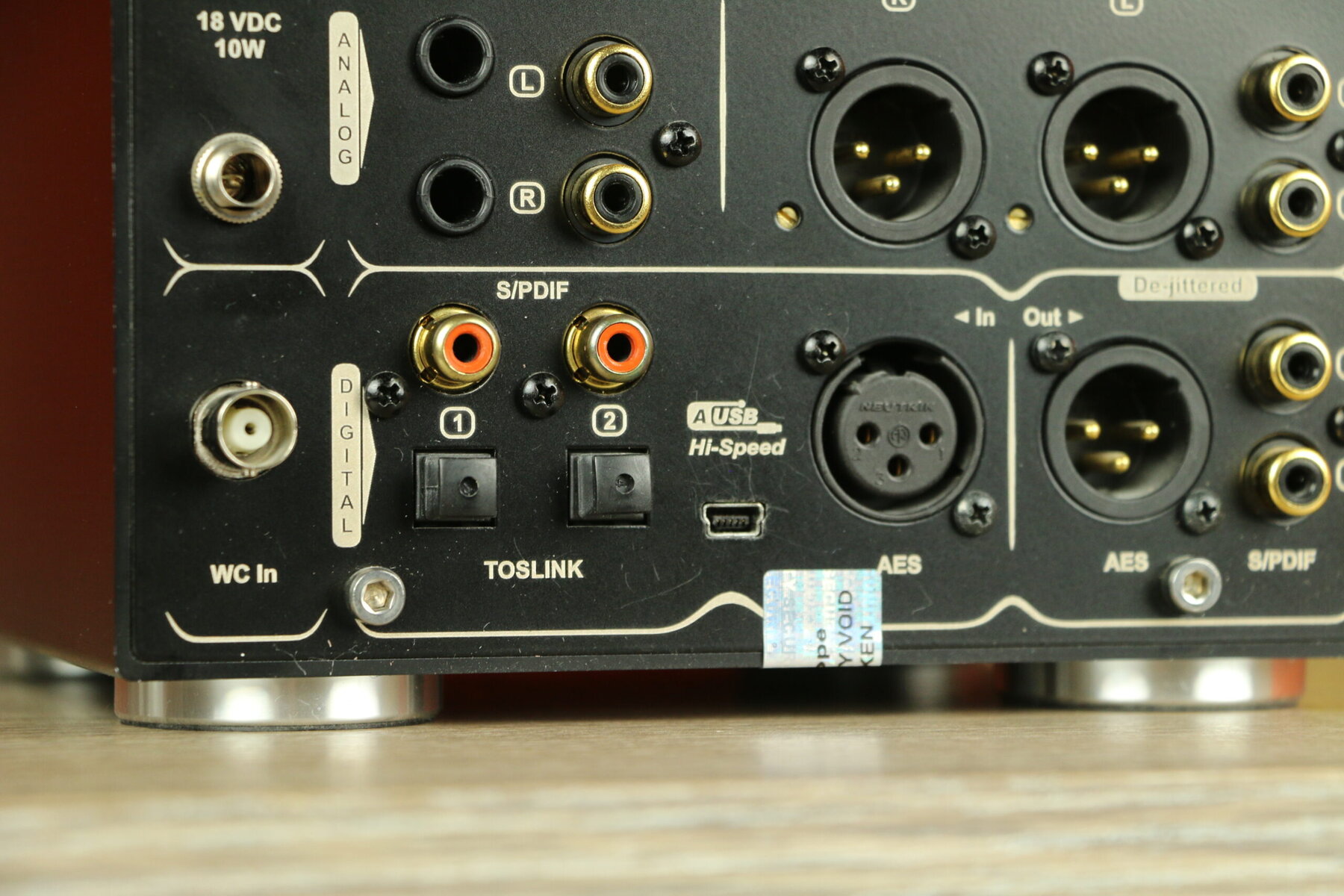
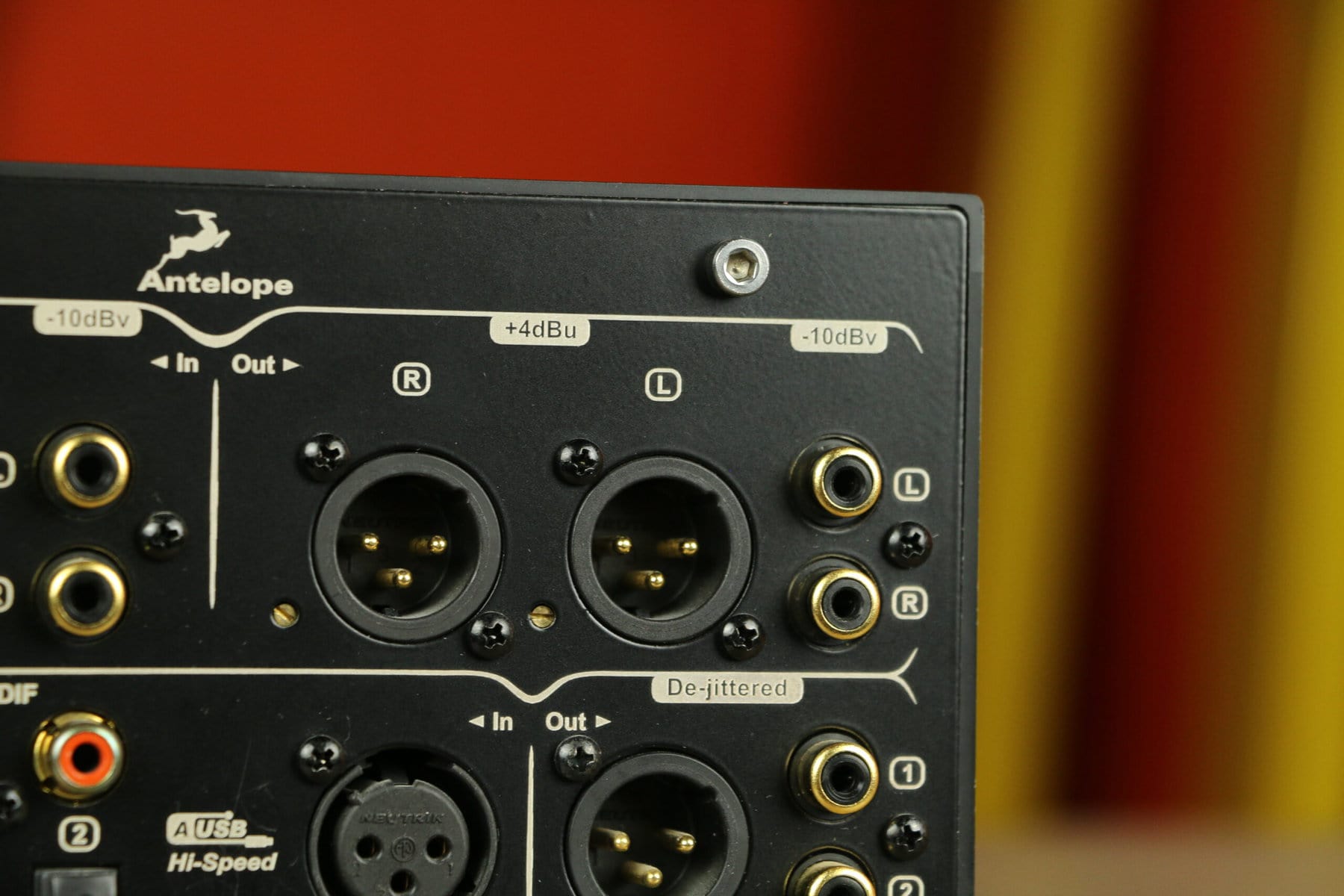
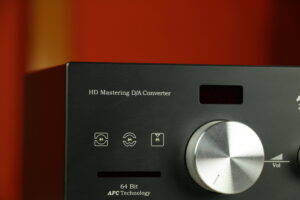
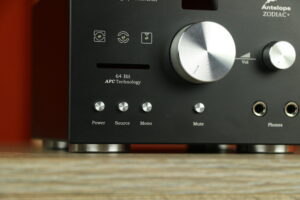
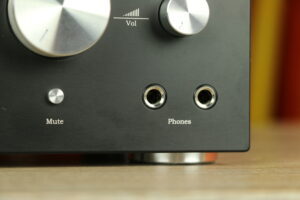
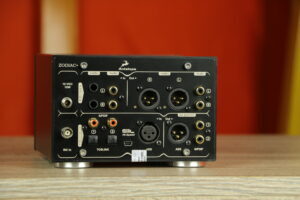
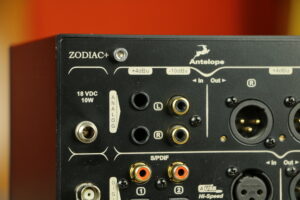
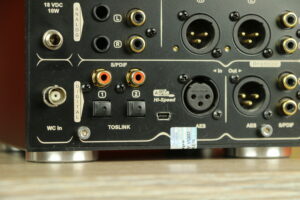
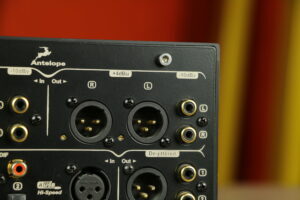
Smooth playing dac with volume control and headphone jack. This is highly recommended.
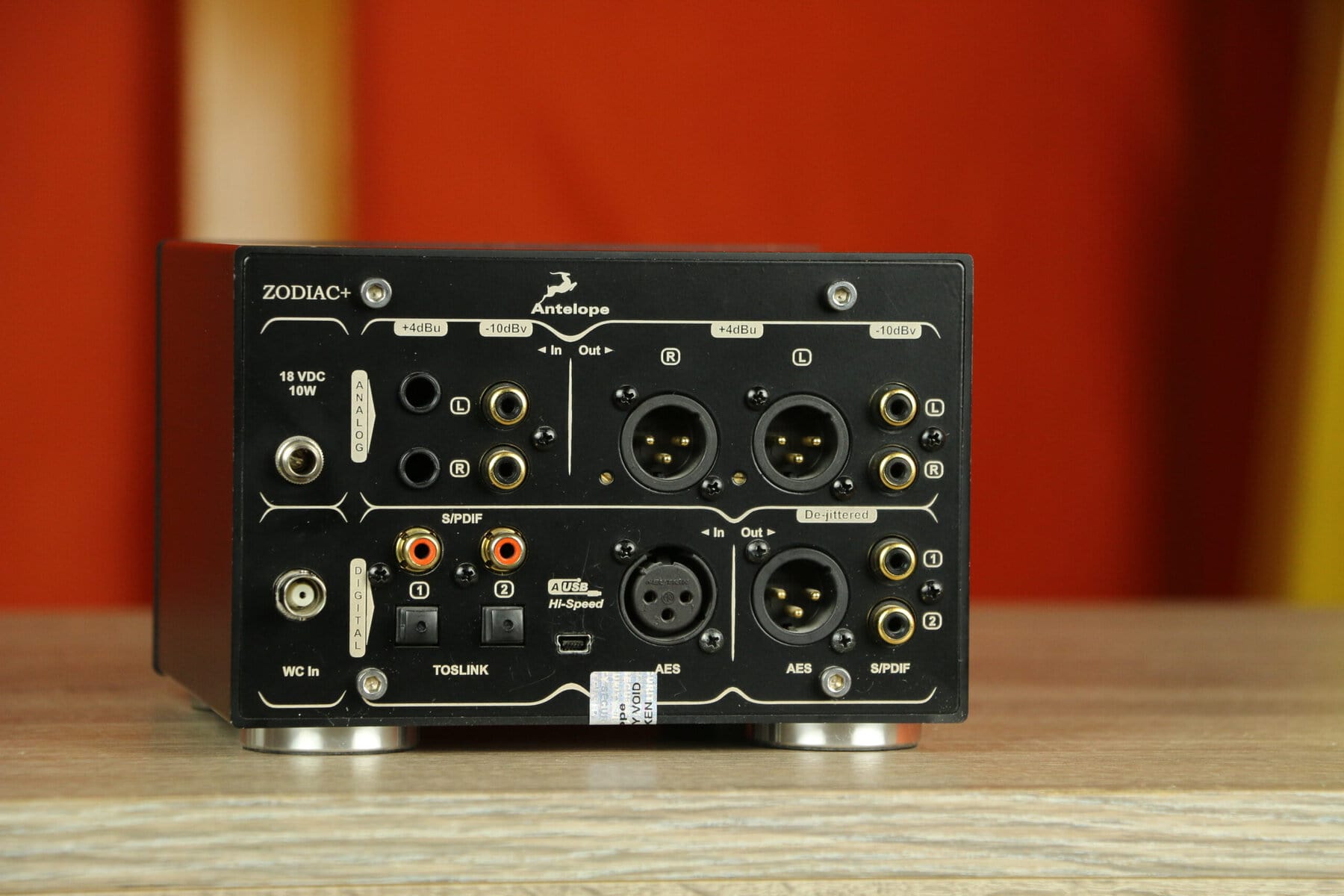
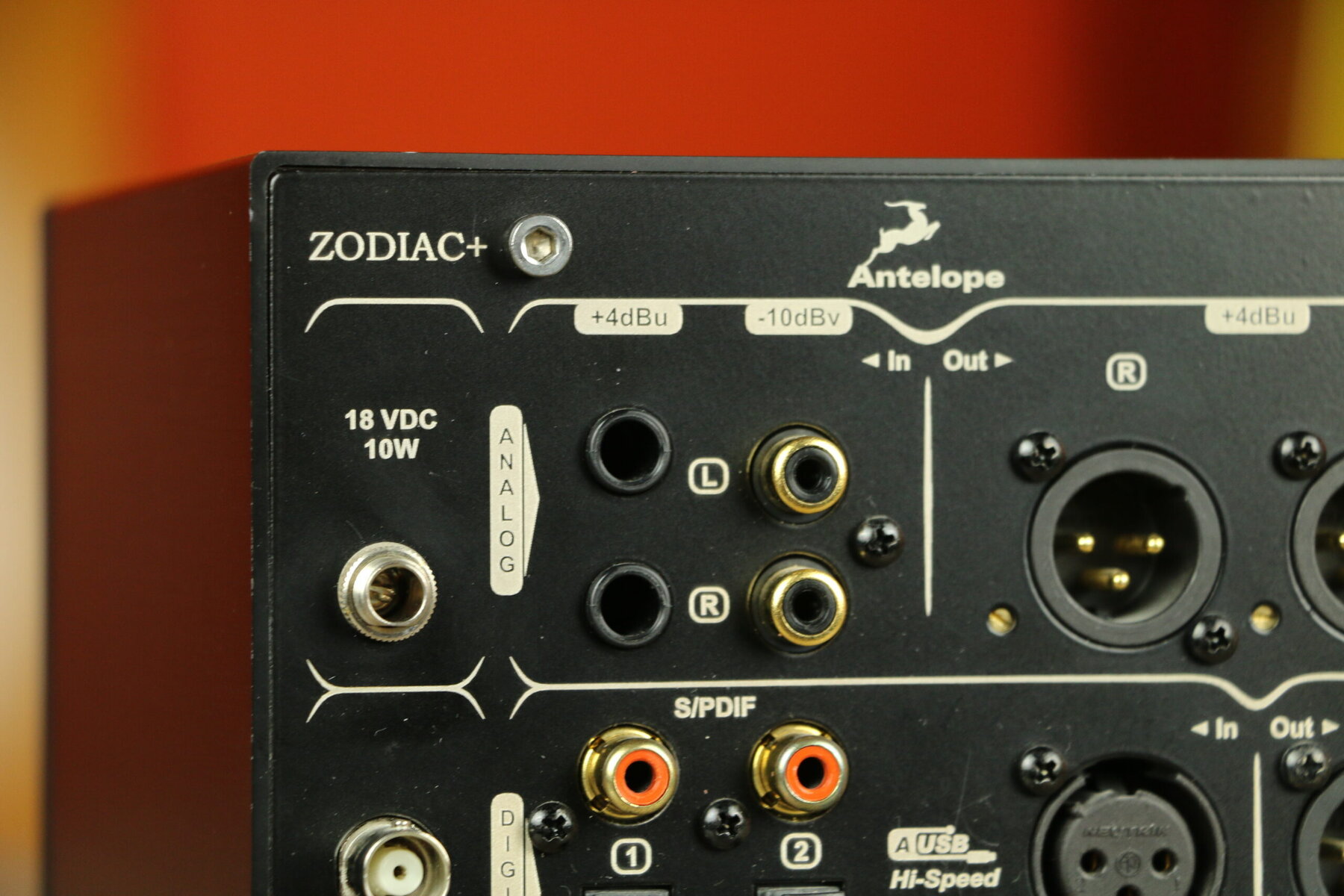
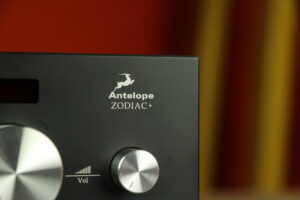
The Antelope Zodiac+ is a versatile digital-to-analog converter (DAC) that doubles as a preamplifier and headphone amplifier. With support for sample rates up to 192 kHz and a dynamic range of 129 dB, this device delivers detailed and dynamic sound reproduction.
Antelope was founded by Igor Levin, an engineer with a background in electronic design. In 2004, the company introduced a master clock with oven-controlled crystal oscillators (OCXO). Subsequent development steps included 64-bit acoustic jitter management technology and the introduction of digital audio converters. Antelope marketed devices with both AD and DA conversion, as well as products with multiple digital and analog inputs and outputs. Since its founding, the company has developed several devices for precise clocking and audio transmission. It uses FPGA chip technology programmed in-house for audio signal processing. Antelope develops internal DA conversion algorithms for several of its devices. Integrated streaming functionality has been added in later models. Products have been developed with multiple user interfaces, including physical control panels and software applications for control over network connections.
| Merken |
|---|
Smooth playing dac with volume control and headphone jack. This is highly recommended.
The Antelope Zodiac+ is a versatile digital-to-analog converter (DAC) that doubles as a preamplifier and headphone amplifier. With support for sample rates up to 192 kHz and a dynamic range of 129 dB, this device delivers detailed and dynamic sound reproduction.
Antelope was founded by Igor Levin, an engineer with a background in electronic design. In 2004, the company introduced a master clock with oven-controlled crystal oscillators (OCXO). Subsequent development steps included 64-bit acoustic jitter management technology and the introduction of digital audio converters. Antelope marketed devices with both AD and DA conversion, as well as products with multiple digital and analog inputs and outputs. Since its founding, the company has developed several devices for precise clocking and audio transmission. It uses FPGA chip technology programmed in-house for audio signal processing. Antelope develops internal DA conversion algorithms for several of its devices. Integrated streaming functionality has been added in later models. Products have been developed with multiple user interfaces, including physical control panels and software applications for control over network connections.

Found you!
We versturen wereldwijd!
Bestel je via onze webshop dan geldt voor de onderstaande landen een kosteloze verzending:
België, Bosnië en Herzegovina, Bulgarije, Denemarken, Duitsland, Estland, Finland, Frankrijk, Griekenland, Hongarije, Ierland, IJsland, Italië, Kroatië, Letland, Liechtenstein, Litouwen, Luxemburg, Monaco, Nederland, Noorwegen, Oostenrijk, Polen, Portugal, Roemenië, Servië, Slovenië, Slowakije, Spanje, Tsjechië, Verenigd Koninkrijk (UK), Zweden en Zwitserland.
Voor verzendingen naar andere landen nemen we contact op met je. Je kunt je order alvast plaatsen zonder af te rekenen, dan ben je zeker van het product. Daarna kun je bepalen of de verzendkosten acceptabel zijn voor je. Zo nee, dan annuleren we de order. Eerst een berichtje sturen om de kosten op te vragen kan natuurlijk ook.
We zijn bedreven in het goed verpakken van verzendingen dus geen zorgen. Alle verzendingen zijn voor de volle 100% verzekerd.
Your daily scroll!
Producten
Nieuwe en gebruikte gear. Check reviews, video’s, merkhistorie en meer.
Freakboard!
Altijd iets te ontdekken.
Live-shows, playlists, setups, sessies, tips en onzin.
Open het Freakboard!
Luisterruimtes
Ze sleuren je andere werelden in. De tijd vervaagt. Bekijk ze nu, ervaar ze later.
Freaknews!
Ga naar het Freakboard! en schrijf je in voor onze nieuwsbrief. No Fake News, Audio Only!
Merkenpagina
Gooi een munt in de jukebox en ontdek onze merken.
Freakcons!
Deze audio-iconen zijn overal op de site te vinden. Klik en ontdek de audiohistorie.
Informatiepagina
Voor wie echt alles wil weten over Freakuence!





Freaksession!
Found you!
We ship worldwide!
If you order through our webshop, free shipping applies to the countries listed below:
Belgium, Bosnia and Herzegovina, Bulgaria, Denmark, Germany, Estonia, Finland, France, Greece, Hungary, Ireland, Iceland, Italy, Croatia, Latvia, Liechtenstein, Lithuania, Luxembourg, Monaco, Netherlands, Norway, Austria, Poland, Portugal, Romania, Serbia, Slovenia, Slovakia, Spain, Czech Republic, United Kingdom (UK), Sweden and Switzerland.
For shipments to other countries, we will contact you. You can place your order in advance without checkout, then you can be sure of the product. Then you can decide if the shipping costs are acceptable to you. If not, we will cancel the order. You can also send us a message first to inquire about the cost.
We are adept at packing shipments properly so no worries. All shipments are 100% insured.
Your daily scroll!
Products
New and used gear. Check reviews, videos, brand history and more.
Freakboard!
Always something to discover.
Live shows, playlists, setups, sessions, tips and nonsense.
Open the Freakboard!
Listening rooms
They drag you into other worlds. Time blurs. See them now, experience them later.
Freaknews!
Go to the Freakboard! and sign up for our newsletter. No Fake News, Audio Only!
Brands page
Toss a coin in the jukebox and discover our brands.
Freakcons!
These audio icons can be found throughout the site. Click and discover the audio history.
Information page
For those who really want to know everything about Freakuence!
Freaksession!